> ## Documentation Index
> Fetch the complete documentation index at: https://docs.adoraone.com/llms.txt
> Use this file to discover all available pages before exploring further.
# Member Portal Overview
> Token-based member self-service — profile, family, events, serving, and prayer.
The **Member Portal** gives congregation members a lightweight, mobile-friendly space to update their profile, see family connections, register for events, view serving assignments, and submit prayer requests — without a full staff login.
 ## Quick Start
1. Enable the portal under **Settings → Portal** (admins only).
2. Approve a **Visitor Registration** or create a member record in AdoraCare.
3. Issue an **access token** (90-day link) from registration approval or admin workflow.
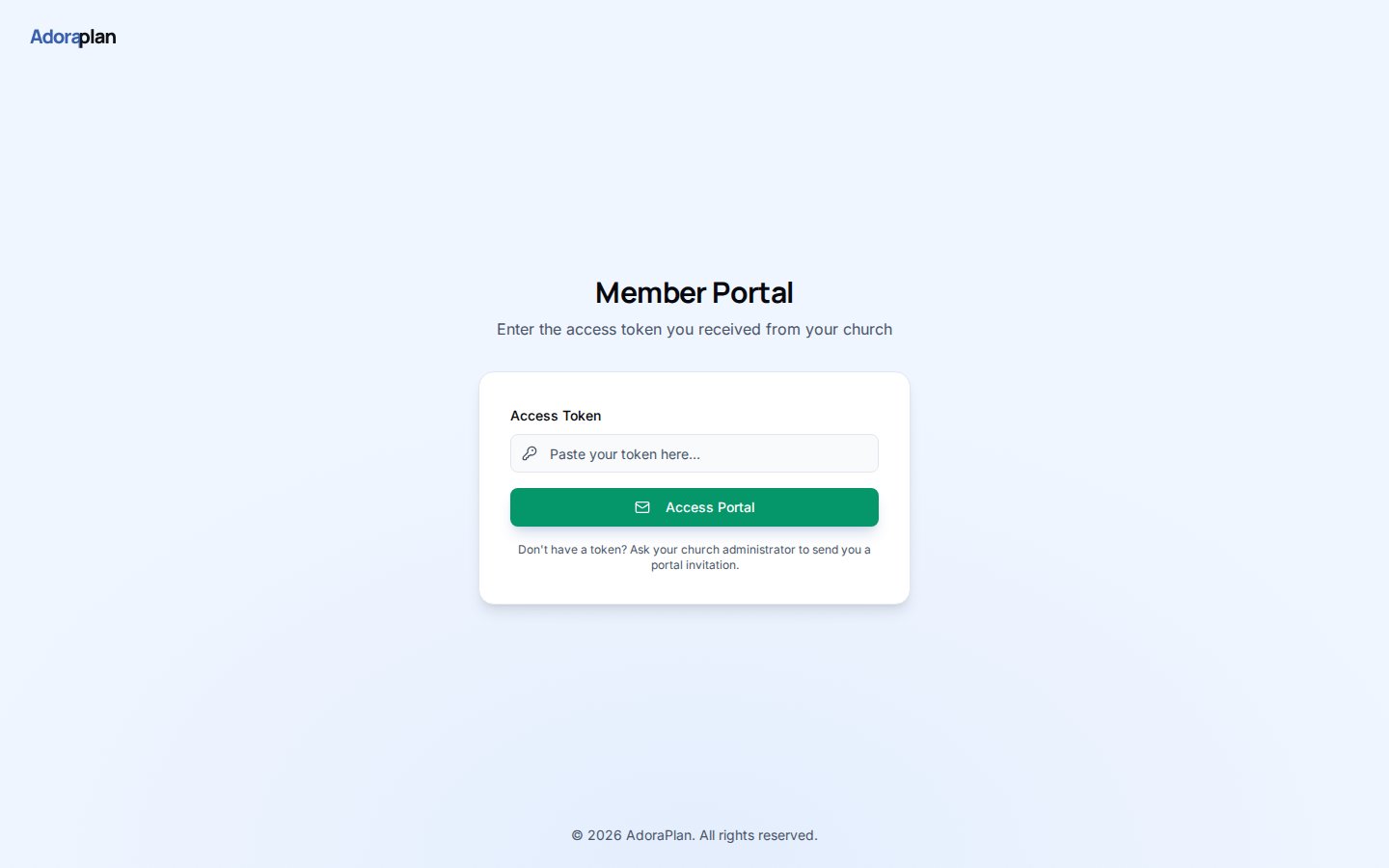
4. Send the member `https://your-church.adoraplan.com/portal/login?token=…`.
5. Members land on **Profile** and use the sidebar for Family, Events, Serving, and Prayer.
***
## How-to Guide
### How login works
Portal auth is **token-based**, not email/password:
| Step | What happens |
| ---- | -------------------------------------------------------------- |
| 1 | Member opens the link or pastes their token on `/portal/login` |
| 2 | `portal-auth` edge function validates the token |
| 3 | Session stores the token in browser `sessionStorage` |
| 4 | Member navigates portal pages until the token expires |
Tokens expire after **90 days**. Re-issue a fresh link from **Care → Portal Registrations** or your approval workflow.
### Portal navigation
After login, members see a focused layout (no staff sidebar):
| Page | Route | Purpose |
| ------------- | ------------------------- | -------------------------------------------- |
| **Profile** | `/portal` | Update contact info and directory visibility |
| **Family** | `/portal/family` | View household relationships |
| **Events** | `/portal/events` | Browse and register for upcoming events |
| **Serving** | `/portal/serving` | See roster assignments and status |
| **Prayer** | `/portal/prayer-requests` | Submit and track prayer requests |
| **Directory** | `/portal/directory` | Opt-in member directory (when enabled) |
### Enable features per tenant
Admins control which modules appear under **Settings → Portal**:
* Master **Enable portal** toggle
* Per-feature switches (Family, Events, Serving, Prayer, Directory)
* **Directory fields** — which contact fields other members may see
See [Portal — Security](/en/adoracare/portal-security) for privacy and token guidance.
## Quick Start
1. Enable the portal under **Settings → Portal** (admins only).
2. Approve a **Visitor Registration** or create a member record in AdoraCare.
3. Issue an **access token** (90-day link) from registration approval or admin workflow.
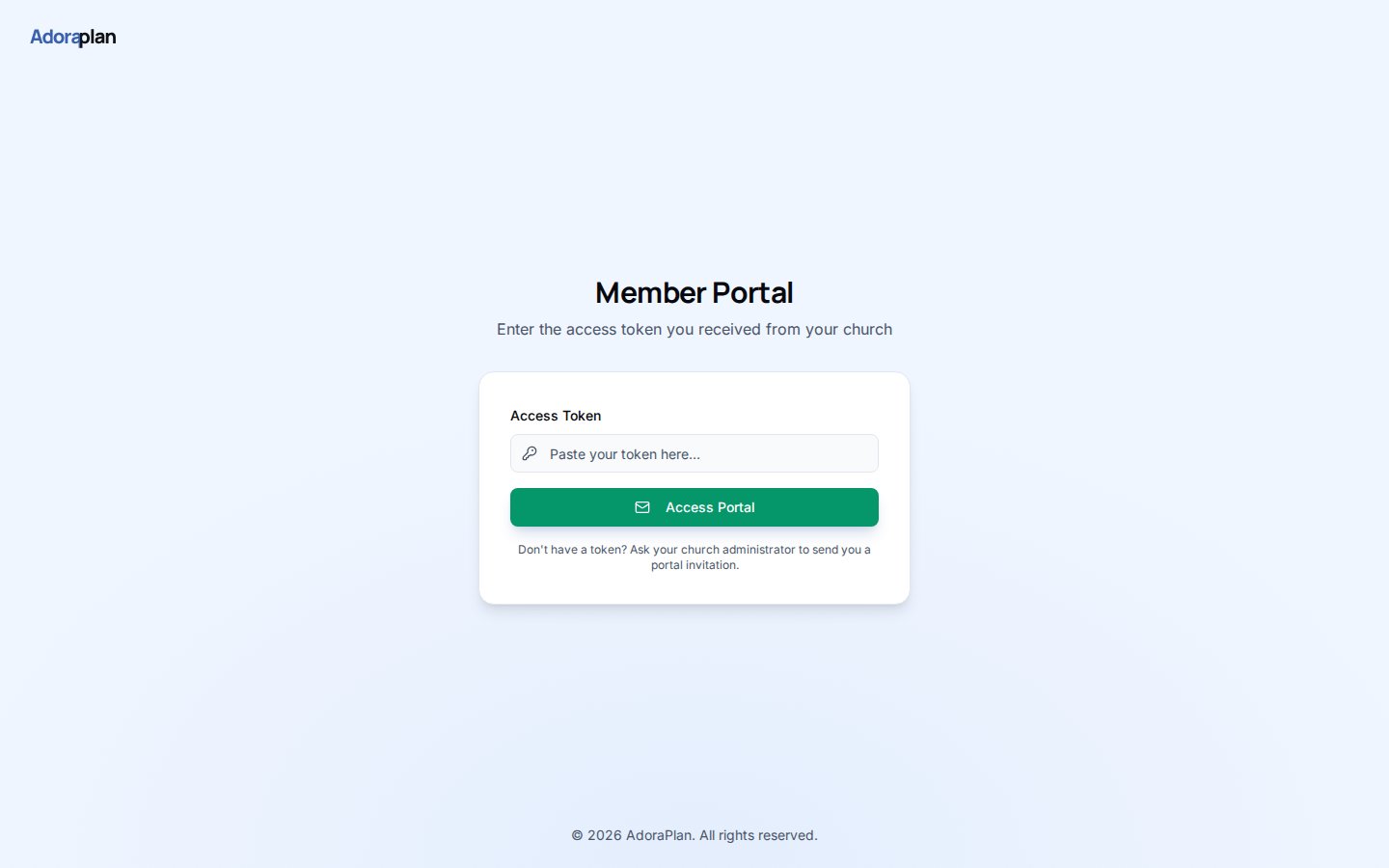
4. Send the member `https://your-church.adoraplan.com/portal/login?token=…`.
5. Members land on **Profile** and use the sidebar for Family, Events, Serving, and Prayer.
***
## How-to Guide
### How login works
Portal auth is **token-based**, not email/password:
| Step | What happens |
| ---- | -------------------------------------------------------------- |
| 1 | Member opens the link or pastes their token on `/portal/login` |
| 2 | `portal-auth` edge function validates the token |
| 3 | Session stores the token in browser `sessionStorage` |
| 4 | Member navigates portal pages until the token expires |
Tokens expire after **90 days**. Re-issue a fresh link from **Care → Portal Registrations** or your approval workflow.
### Portal navigation
After login, members see a focused layout (no staff sidebar):
| Page | Route | Purpose |
| ------------- | ------------------------- | -------------------------------------------- |
| **Profile** | `/portal` | Update contact info and directory visibility |
| **Family** | `/portal/family` | View household relationships |
| **Events** | `/portal/events` | Browse and register for upcoming events |
| **Serving** | `/portal/serving` | See roster assignments and status |
| **Prayer** | `/portal/prayer-requests` | Submit and track prayer requests |
| **Directory** | `/portal/directory` | Opt-in member directory (when enabled) |
### Enable features per tenant
Admins control which modules appear under **Settings → Portal**:
* Master **Enable portal** toggle
* Per-feature switches (Family, Events, Serving, Prayer, Directory)
* **Directory fields** — which contact fields other members may see
See [Portal — Security](/en/adoracare/portal-security) for privacy and token guidance.
 ***
## Related
Public sign-up that feeds portal approval.
Tokens, directory privacy, and admin controls.
Staff-side directory tied to portal profiles.
***
## Related
Public sign-up that feeds portal approval.
Tokens, directory privacy, and admin controls.
Staff-side directory tied to portal profiles.