> ## Documentation Index
> Fetch the complete documentation index at: https://docs.adoraone.com/llms.txt
> Use this file to discover all available pages before exploring further.
# Tasks
> Coordinate setup, cleanup, interviews, and other service activities with assignable staffing.
**Service Tasks** cover ancillary work around a worship **Program** — setup, cleanup, interviews, and more — each with its own staffing slots and status tracking.
 ## Quick Start
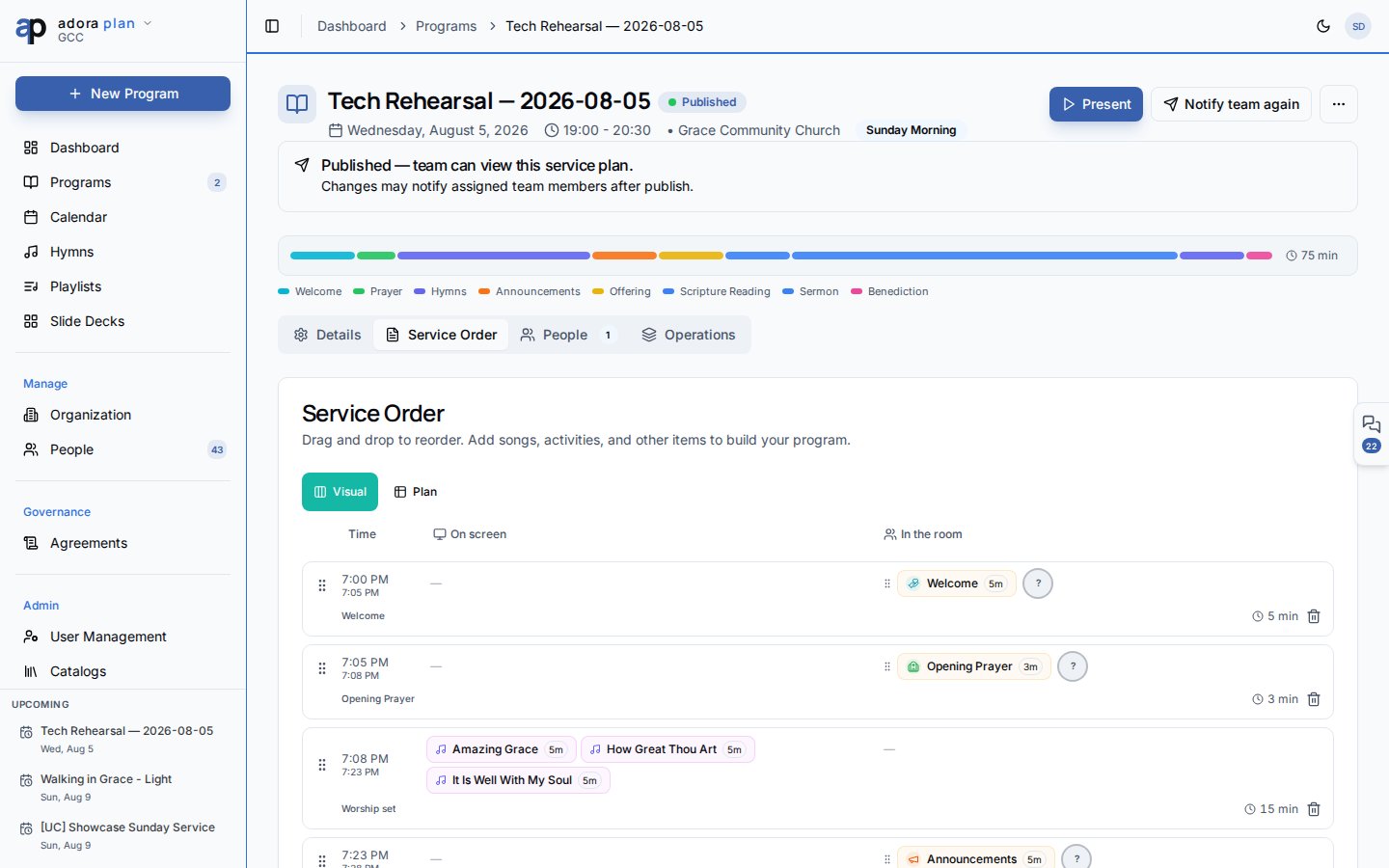
1. Open **Tasks** in the sidebar (or a program → **Activity** → **Tasks**).
2. Click **New Task**.
3. Set **Title**, **Category**, **Date**, and **Timing** (Before / During / After service).
4. Save, then edit the task to add **Staffing** slots.
5. Assign volunteers and track **Open** → **In Progress** → **Completed**.
***
## How-to Guide
### Create a standalone task
**Tasks** → **New Task**.
**Title**, **Category** (from catalogs), optional **Ministry**, **Date**, start/end times, **Timing**, and description.
After save, reopen the task — the **Staffing** section appears. Use **From Template** or **Add Slot**.
### Timing options
| Timing | When to use |
| ------------------ | ----------------------------- |
| **Standalone** | Not tied to a service window |
| **Before Service** | Setup, sound check, rehearsal |
| **During Service** | Ushering, live operations |
| **After Service** | Cleanup, tear-down |
### Link tasks to a program
From **Programs** → open a program → **Activity** tab → **Tasks** sub-tab:
* **Linked Tasks** shows ancillary activities for that service.
* **Add Task** pre-fills the program date and links the task.
### Staffing a task
| Action | Result |
| ----------------- | ------------------------------------------------------------------------- |
| **From Template** | Applies default roles from the task **Category** (configured in Catalogs) |
| **Add Slot** | Manual role slot |
| **Assign Team** | Drop in a **Rotation Team** |
| **Assign** | Pick a qualified collaborator per slot |
Slot statuses: **Unassigned**, **Pending**, **Confirmed**, **Declined**, **Completed**.
The summary line shows `confirmed/total confirmed · filled/total assigned`.
### Task categories and defaults
## Quick Start
1. Open **Tasks** in the sidebar (or a program → **Activity** → **Tasks**).
2. Click **New Task**.
3. Set **Title**, **Category**, **Date**, and **Timing** (Before / During / After service).
4. Save, then edit the task to add **Staffing** slots.
5. Assign volunteers and track **Open** → **In Progress** → **Completed**.
***
## How-to Guide
### Create a standalone task
**Tasks** → **New Task**.
**Title**, **Category** (from catalogs), optional **Ministry**, **Date**, start/end times, **Timing**, and description.
After save, reopen the task — the **Staffing** section appears. Use **From Template** or **Add Slot**.
### Timing options
| Timing | When to use |
| ------------------ | ----------------------------- |
| **Standalone** | Not tied to a service window |
| **Before Service** | Setup, sound check, rehearsal |
| **During Service** | Ushering, live operations |
| **After Service** | Cleanup, tear-down |
### Link tasks to a program
From **Programs** → open a program → **Activity** tab → **Tasks** sub-tab:
* **Linked Tasks** shows ancillary activities for that service.
* **Add Task** pre-fills the program date and links the task.
### Staffing a task
| Action | Result |
| ----------------- | ------------------------------------------------------------------------- |
| **From Template** | Applies default roles from the task **Category** (configured in Catalogs) |
| **Add Slot** | Manual role slot |
| **Assign Team** | Drop in a **Rotation Team** |
| **Assign** | Pick a qualified collaborator per slot |
Slot statuses: **Unassigned**, **Pending**, **Confirmed**, **Declined**, **Completed**.
The summary line shows `confirmed/total confirmed · filled/total assigned`.
### Task categories and defaults
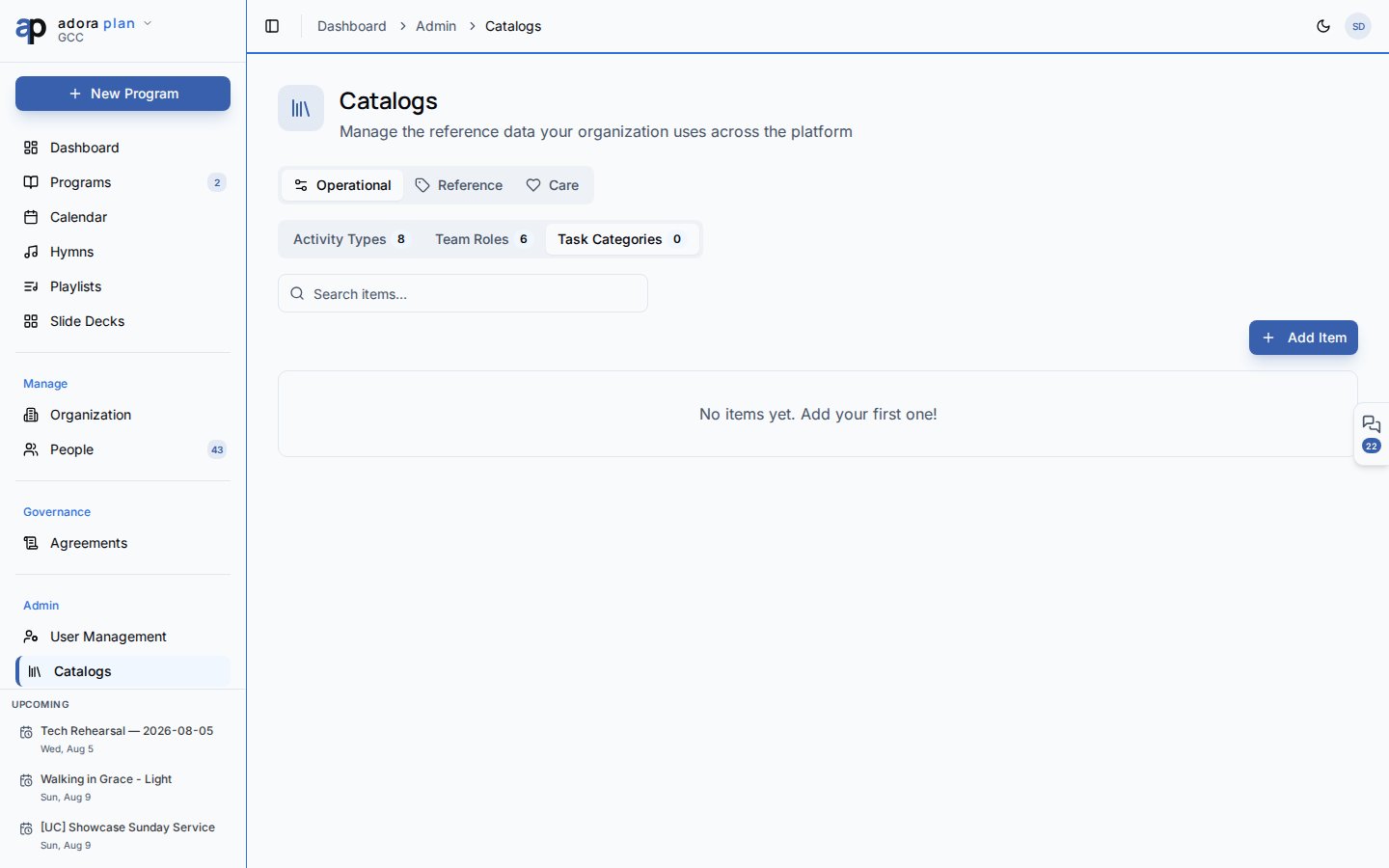 Admins configure categories under **Catalogs** → **Task Categories**:
1. Open `/catalogs` (admin navigation).
2. Select the **Task Categories** tab.
3. Expand a category to edit default staffing roles and quantities.
4. New tasks in that category can **From Template** to create matching slots.
Tasks can require roles from your **Team Roles** catalog — the same roles used in **Roster** and **Organization** staffing.
### Filter and search
On `/tasks`:
* **Search tasks…** — title and description
* **Filters** — **Status** (Open, In Progress, Completed, Cancelled) and **Category**
***
## Related
Linked tasks on the Activity tab.
Program role assignments (separate from task staffing).
Collaborators assigned to task slots.
**Service Readiness** lists open tasks.
Admins configure categories under **Catalogs** → **Task Categories**:
1. Open `/catalogs` (admin navigation).
2. Select the **Task Categories** tab.
3. Expand a category to edit default staffing roles and quantities.
4. New tasks in that category can **From Template** to create matching slots.
Tasks can require roles from your **Team Roles** catalog — the same roles used in **Roster** and **Organization** staffing.
### Filter and search
On `/tasks`:
* **Search tasks…** — title and description
* **Filters** — **Status** (Open, In Progress, Completed, Cancelled) and **Category**
***
## Related
Linked tasks on the Activity tab.
Program role assignments (separate from task staffing).
Collaborators assigned to task slots.
**Service Readiness** lists open tasks.