

Quick Start
- Enable the portal under Settings → Portal (admins only).
- Approve a Visitor Registration or create a member record in AdoraCare.
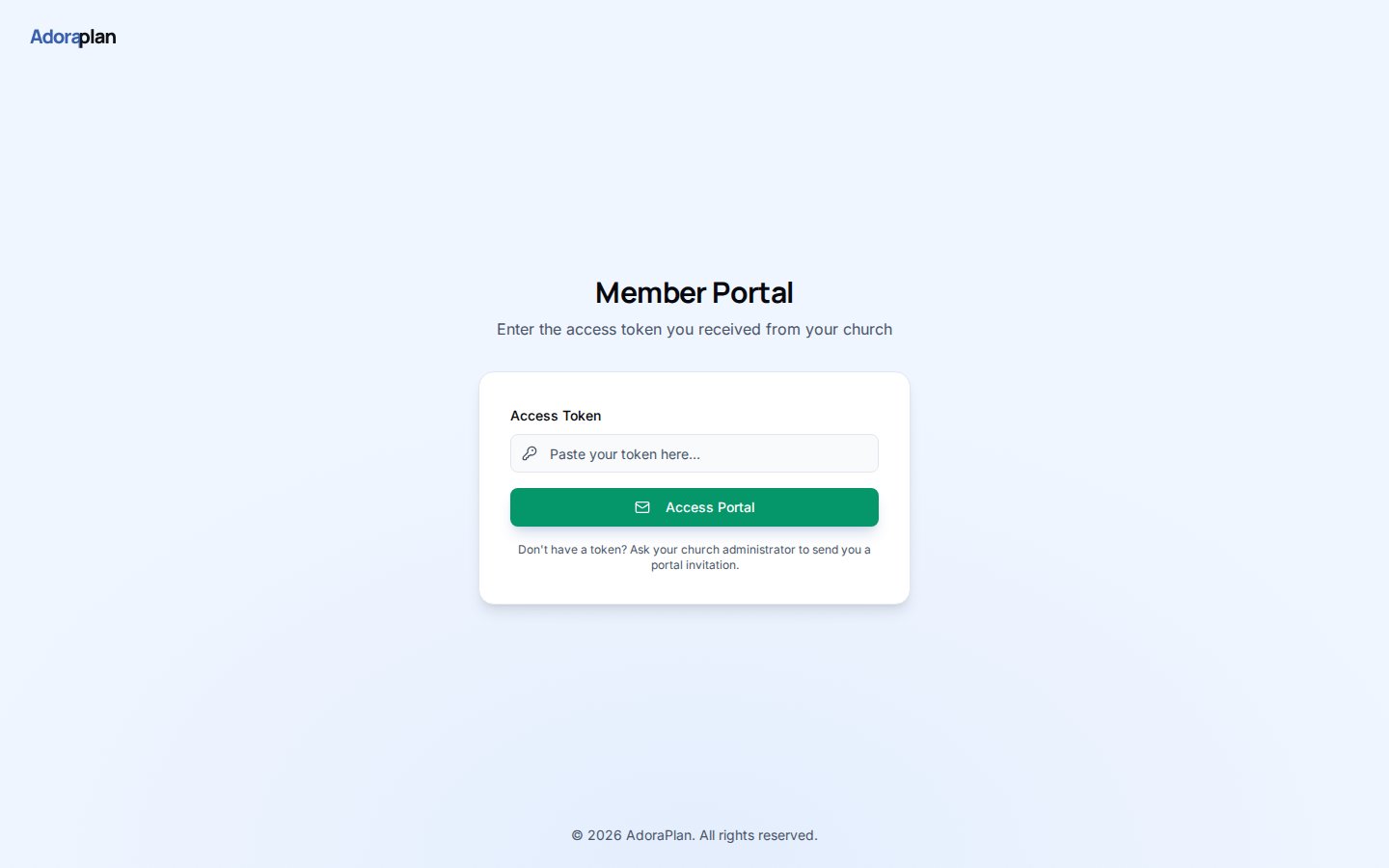
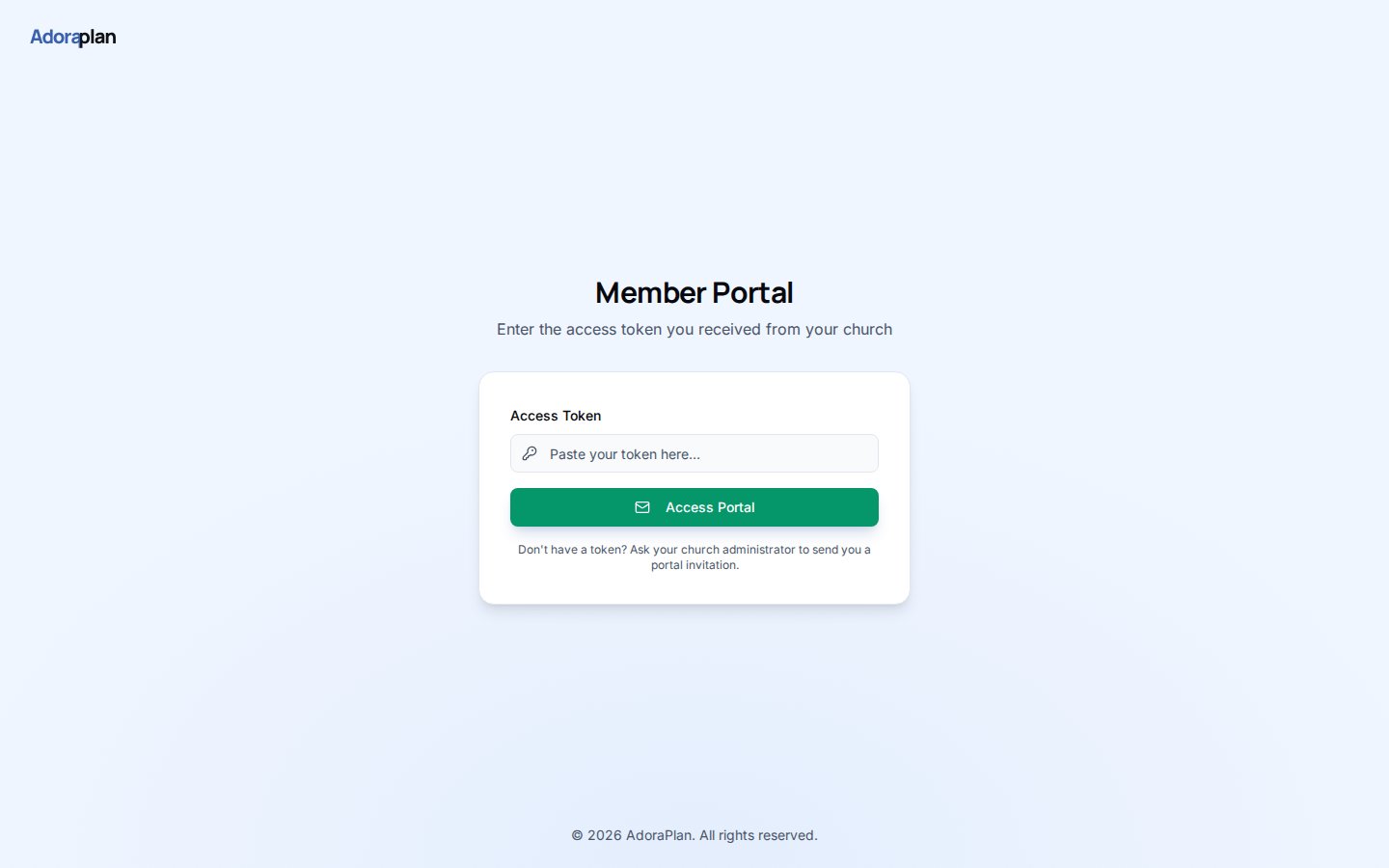
- Issue an access token (90-day link) from registration approval or admin workflow.
- Send the member
https://your-church.adoraplan.com/portal/login?token=…. - Members land on Profile and use the sidebar for Family, Events, Serving, and Prayer.
How-to Guide
How login works
Portal auth is token-based, not email/password:Portal navigation
After login, members see a focused layout (no staff sidebar):Enable features per tenant
Admins control which modules appear under Settings → Portal:- Master Enable portal toggle
- Per-feature switches (Family, Events, Serving, Prayer, Directory)
- Directory fields — which contact fields other members may see
Related
Visitor Registration
Public sign-up that feeds portal approval.
Portal — Security
Tokens, directory privacy, and admin controls.
Members
Staff-side directory tied to portal profiles.