

Quick Start
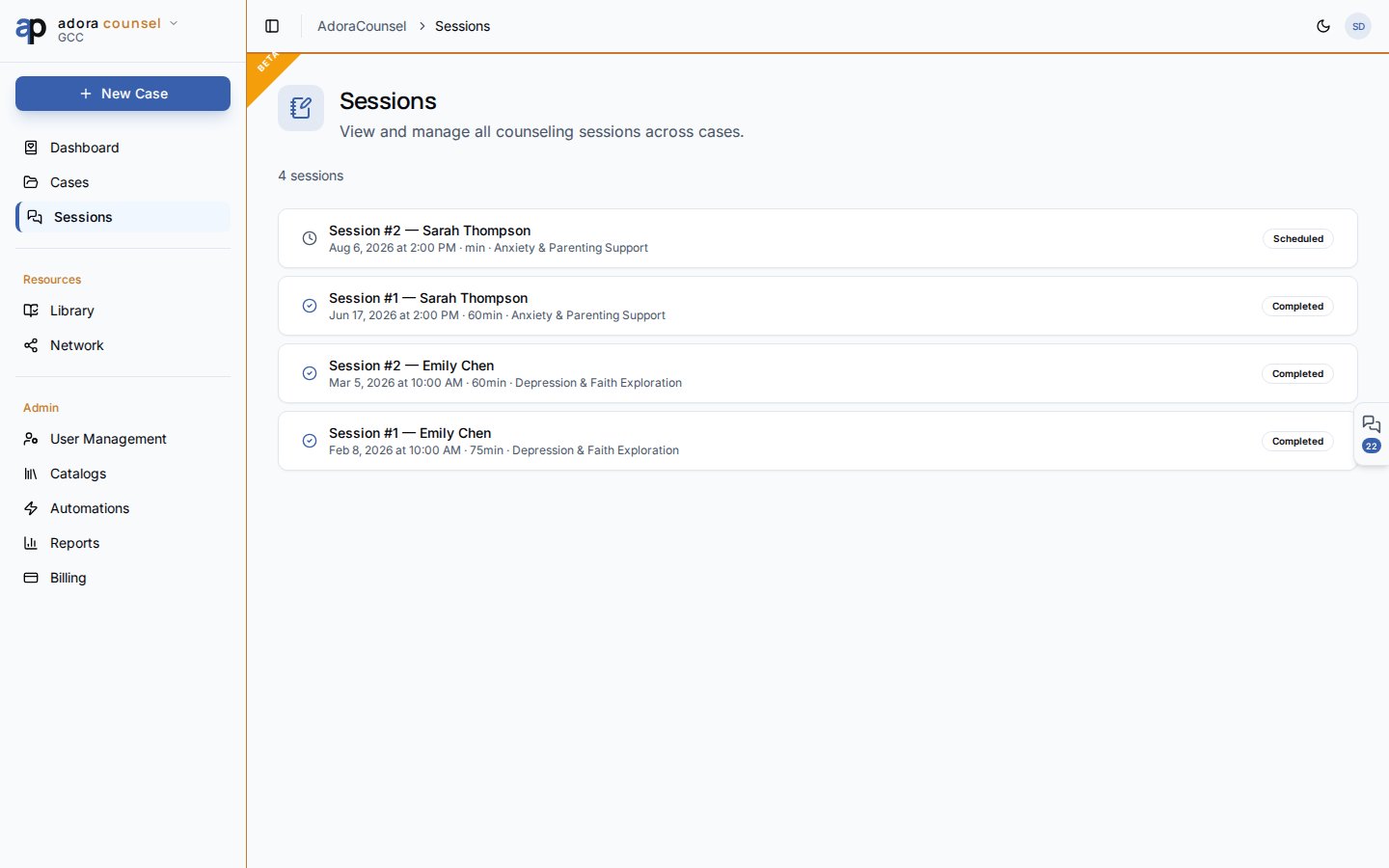
- Open Counsel → Sessions for a tenant-wide list (newest first).
- Click a row to open the Session desk.
- Or create sessions from Cases → [case] → New Session.
- Set status: Scheduled → In progress → Completed (or Cancelled / No show).
- Save notes before marking Completed.
How-to Guide
Sessions list
Each row shows:Session desk
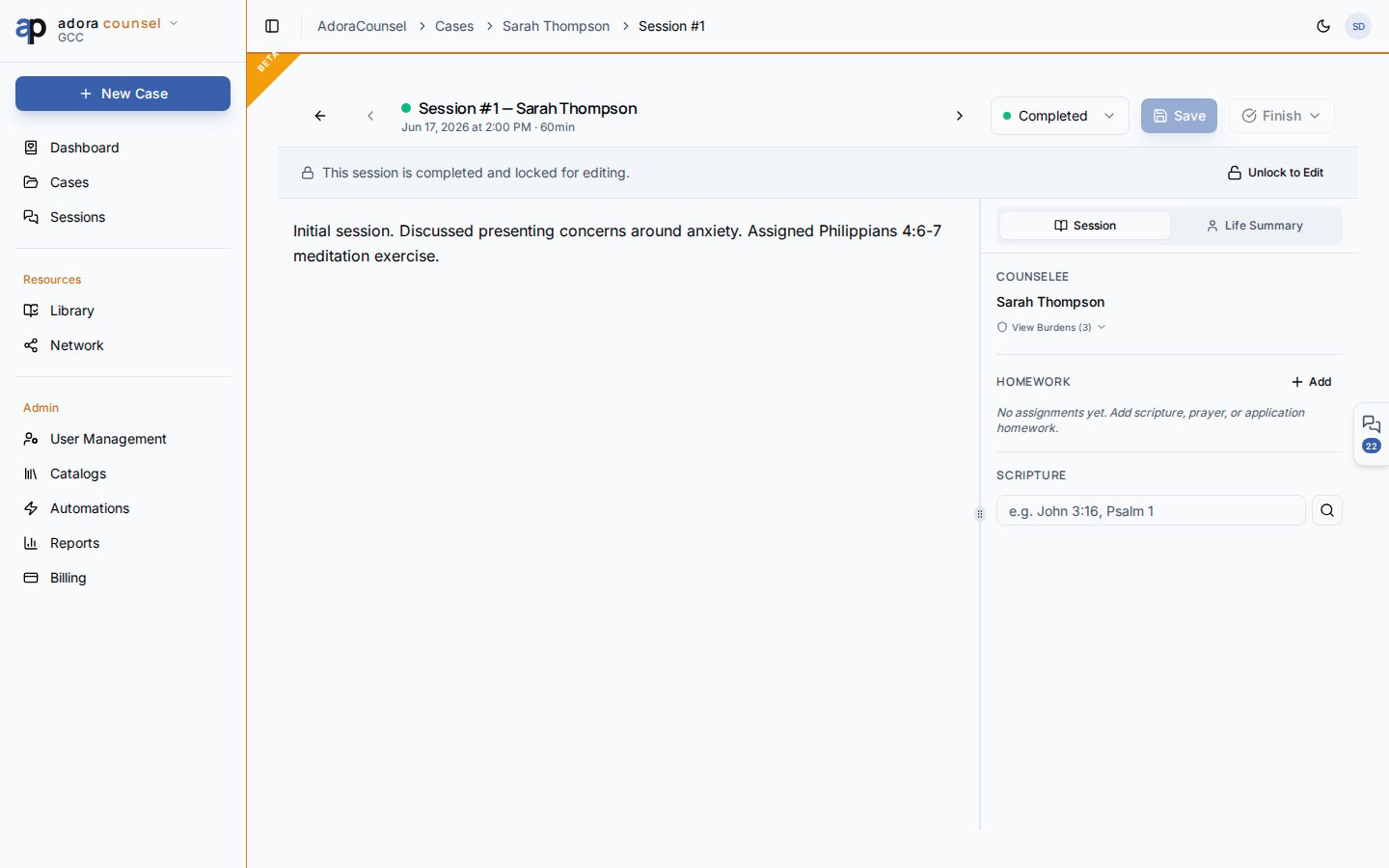
Use the header to change status, navigate sibling sessions, or schedule a follow-up.
Session statuses
Related
Cases
Parent case and counselee context.
Agenda
Week view of upcoming sessions.
Resource Library
Pull worksheets into homework or share after sessions.