

Quick Start
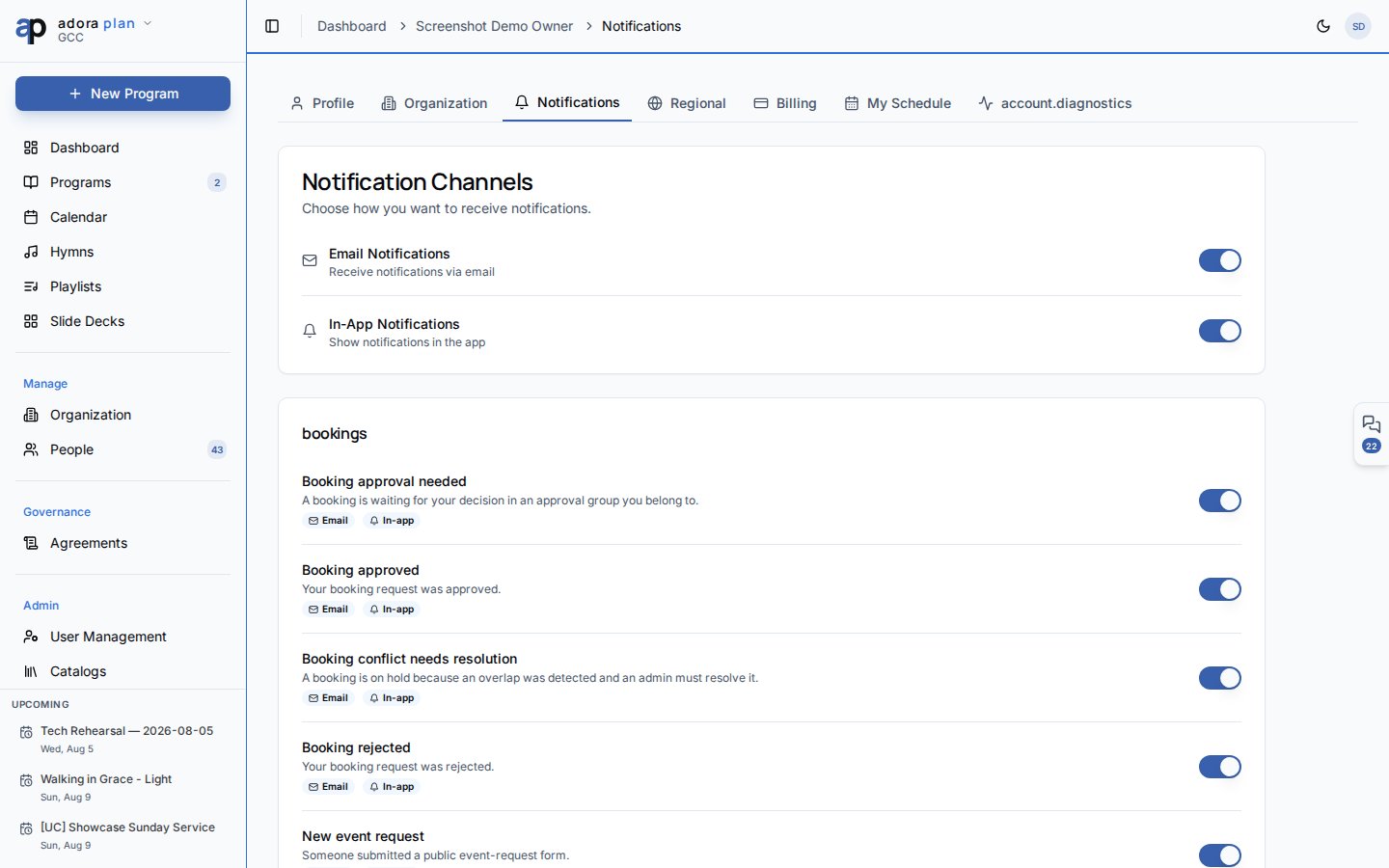
- Click your avatar → Account → Notifications.
- Toggle Email Notifications and In-App Notifications globally.
- Scroll through modules (Programs, Roster, Tasks, Billing, etc.) and turn individual types on or off.
- Set Quiet Hours so non-urgent alerts pause overnight.
- Open Collaboration (⌘J / Ctrl+J) → My Msgs to act on roster invites and recent alerts.
How-to Guide
Notification channels
At the top of Account → Notifications:
Turning off a global channel disables that delivery method for all types (unless a type is marked System and cannot be disabled).
Per-module preferences
Notification types are grouped by area:- Programs & Services — finalized programs, reminders, schedule changes
- Roster & Scheduling — invitations, confirmations, conflicts
- Team — collaborator and role updates
- Billing & Subscription — plan and payment notices
- Song Library, Tasks, Engagement, Care & Pastoral, System & Account
Quiet hours and digest
Below your preferences:- Enable quiet hours — suppress non-urgent notifications during a daily window
- Start / end time — hourly boundaries (e.g. 22:00–07:00)
- Weekly digest day — day of the week for summary emails
My Msgs and Inbox
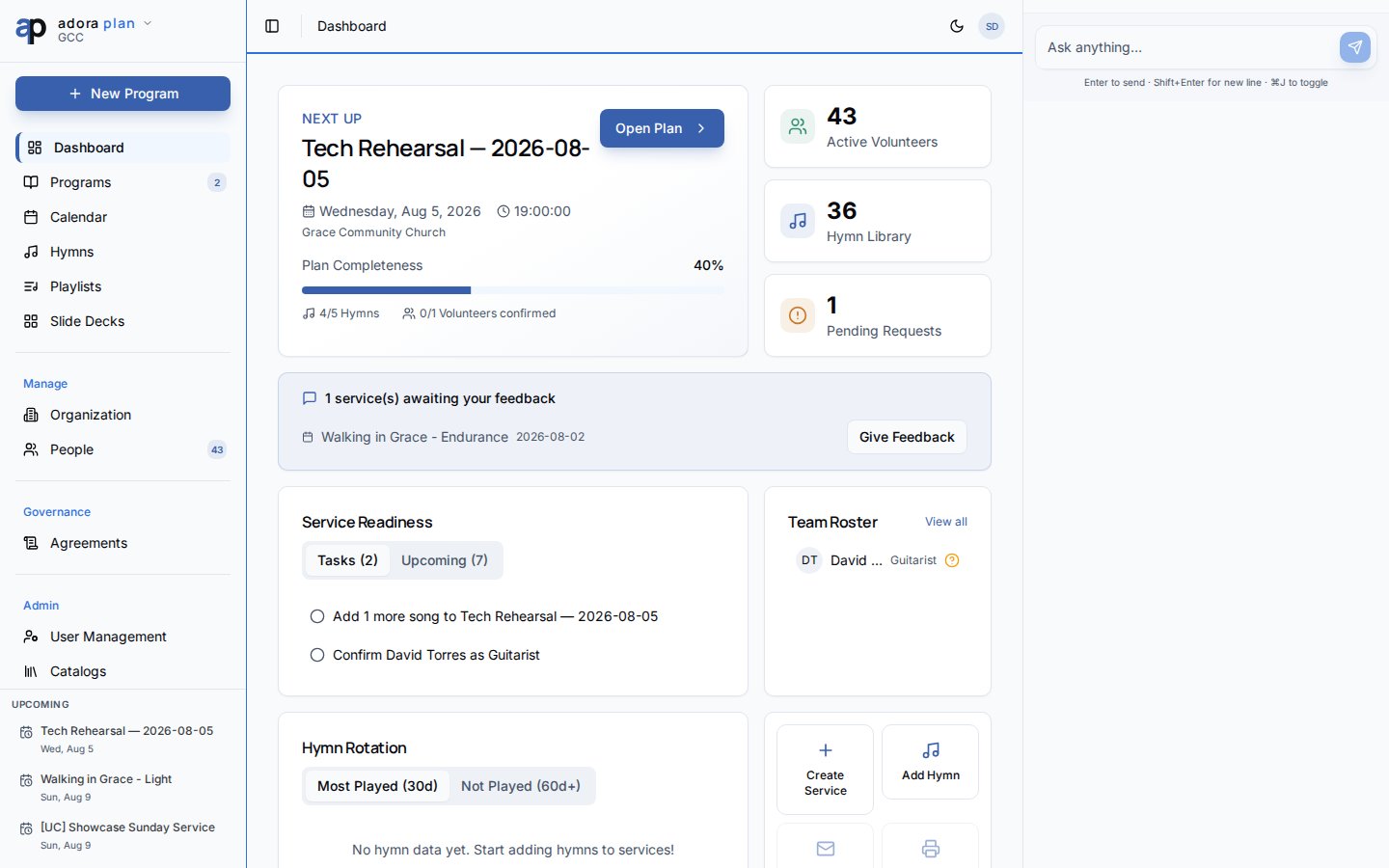
Clicking a notification navigates to its action URL when one is set (for example, a Program or Roster page).
Inbox requires the operations plan capability. Notification preferences are available to every signed-in user regardless of plan.
Related
Collaboration
Team channels, My Msgs, and Adora Assistant.
Roster
Roster invitations and confirmation alerts.
Programs
Program finalized and preparation reminders.
Settings
Developer tools for testing notification delivery.