

Quick Start
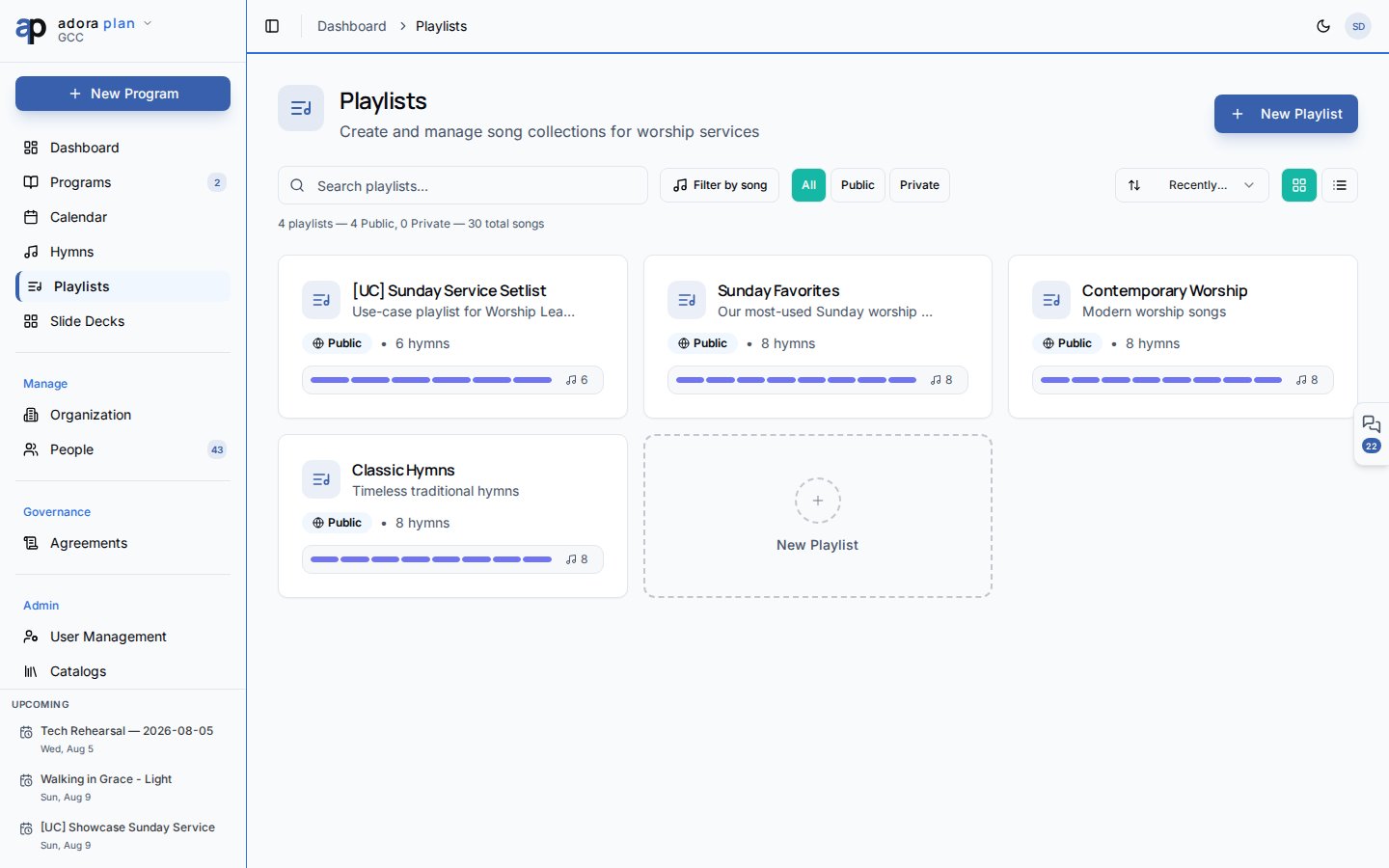
- Open Playlists in the sidebar.
- Click New Playlist, enter a name, and choose Public or Private visibility.
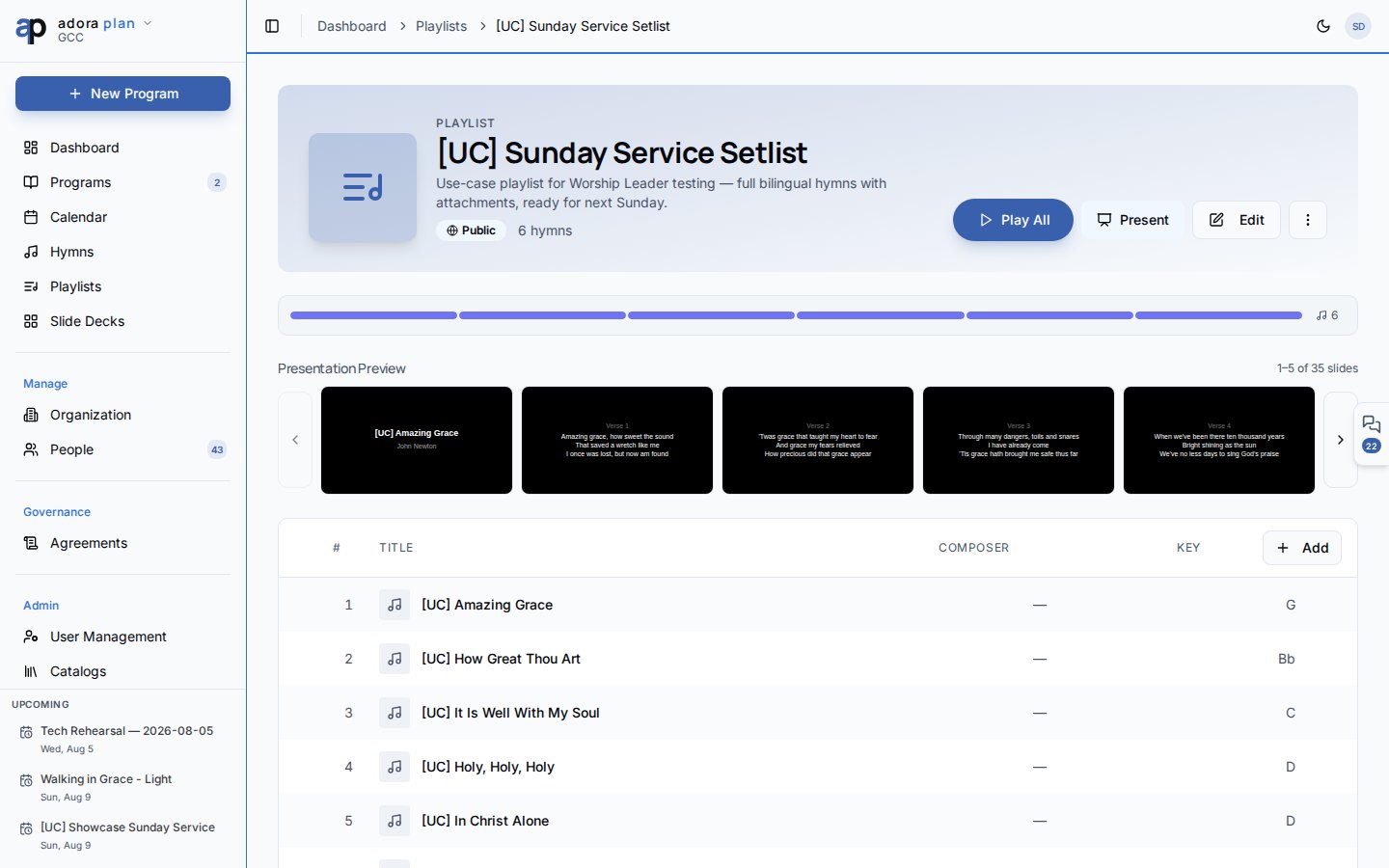
- Open the playlist and click Add hymn to pull songs from your library.
- Drag rows to reorder tracks.
- Click Present to launch Presentation Mode, or Play All to listen through attached audio.
How-to Guide
Playlists list
Each card shows song count, visibility badge, and last updated date. Click a playlist to open its detail page.
Create / edit fields:
- Name (required, up to 100 characters)
- Description (optional)
- Public Playlist — visible to all team members in your church when enabled
Playlist detail
The detail page is your working view: Header actions:- Play All — queue every track that has audio files attached
- Present — open Presentation Mode with hymns in playlist order
- Edit — change name, description, visibility
- More → Duplicate or Delete
Public vs. private
Playlists are scoped to your church. Songs come from the shared Hymns library.
Duplicate playlist
Duplicate copies the playlist name and settings with a “(Copy)” suffix. Song items are not copied — add hymns to the new playlist manually.Adding a hymn to a playlist from the Hymns list page is planned; today, add songs from the playlist detail page.
Related
Presentation
Project playlist lyrics to a projector.
Hymns & Songs
Source library for playlist tracks.
Programs
Full service planning with roster and service order.
Remote Control
Control a playlist presentation from your phone.